K-Lite Codec Pack is a vast bundle of audio and video codecs, filters, and tools that allow you to play all multimedia formats on your Windows PC. If you are a Windows user, you likely already know that default players like Windows Media Player have limitations when it comes to playing certain formats like AVI, MOV, and DivX. K-Lite Codec Pack can solve that problem for you and play all the formats you require.
What does it do?
K-Lite Codec Pack is responsible for enabling the media players on your Windows PC to play formats they normally can't handle. For example, let's say you transfer a video shot on your iPhone to your PC. Since it is a MOV file, some media players are unable to play it. This is where the codec pack comes in handy, allowing your player to open the file.
K-Lite Codec Pack works perfectly for both Windows 11 and 10. It is an easy and accessible solution for your needs.Features
Now, when it comes to codec packs, several factors are important: user-friendliness, ease of installation, frequent updates for the latest file formats, flexibility, and compatibility with popular media players like Windows Media Player and KMPlayer.
Fortunately, the K-Lite Codec Pack covers all of the things mentioned above and more. And do not worry even if you are a beginner; this codec pack is easy to install and use. When it comes to further features and functionality, K-Lite offers compatibility for popular formats like MP4, FLAC, MKV, as well as the uncommon ones.How to install and use?
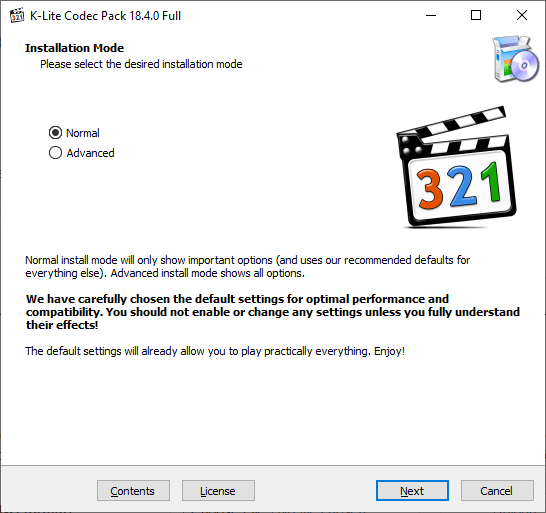
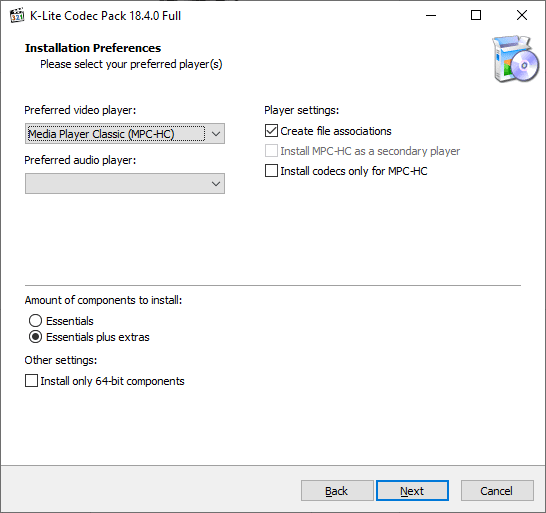
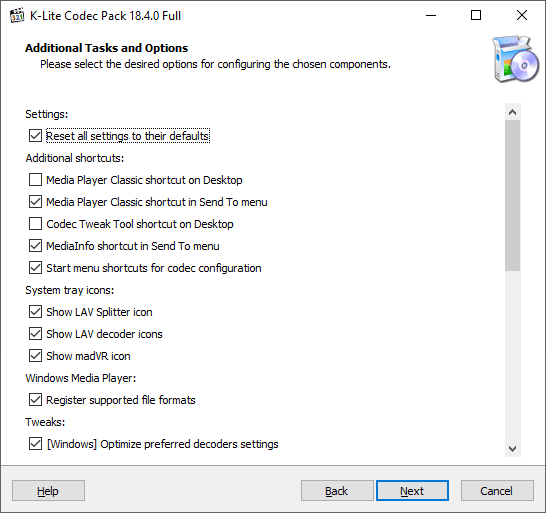
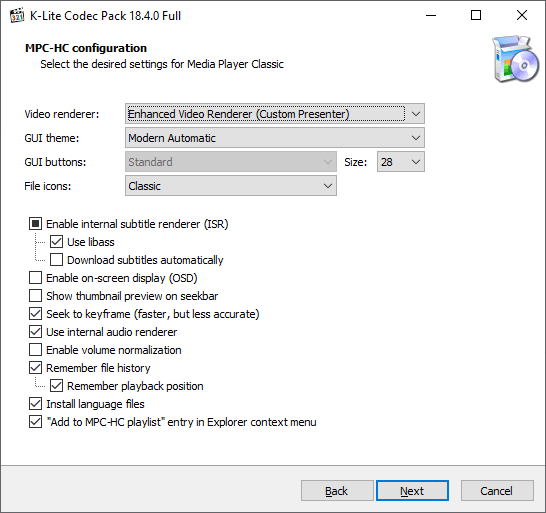
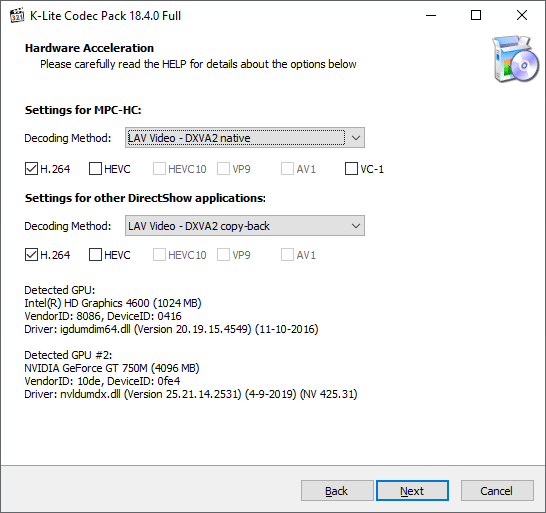
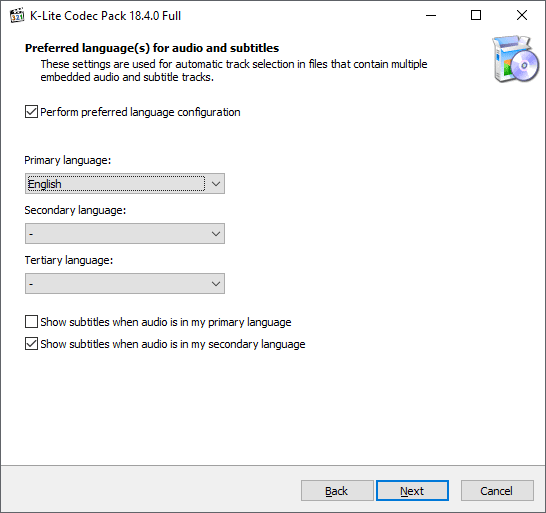
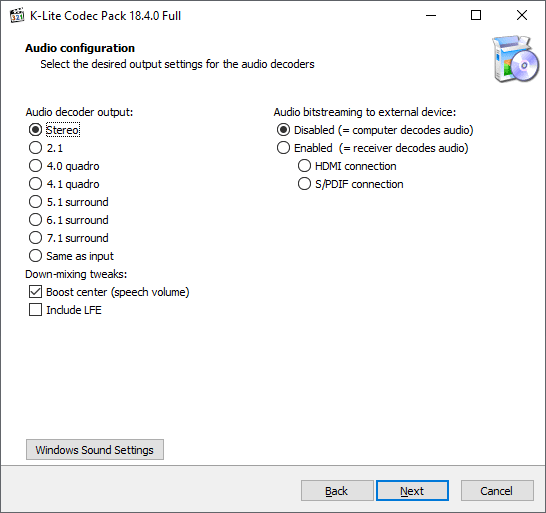
Installing the K-Lite Codec Pack is simple. All you have to do is download the installer, follow the on-screen instructions, and you are done. It will auto-integrate with your media players.Versions & Pricing
First of all, the codec pack comes in 4 different versions, all of which offer different levels of features.
Basic Edition
Ideal for anyone who doesn't want anything more than the bare minimum to play some extra formats on Windows.
Standard Edition
Offers everything in Basic, but also adds MPC Video Renderer, MediaInfo Lite, and MPC-HC.
Full Edition
Incorporates all the features of Standard, but adds extras like H.264 MVC format support.
Mega Edition
If you want everything, this is the one to go for.
The best thing is all of them are free. So you can make your choice and install whichever one you want.A universal fix for media playback issues
K-Lite Codec Pack is a great solution to all your multimedia requirements, especially if you like playing audio and videos on your Windows PC. From support for all the common formats to regular updates from the team, this codec pack allows you to play any audio or video properly.